SiteSilo for Mac
Download a website locally. Keep the result clear, organized, and usable.
SiteSilo gives you a calmer way to save a browsable offline copy of a website, follow the download live, retry failures, and finish with reports or ZIP exports that are easy to keep.
Built for clarity
See setup, live activity, and download results together instead of bouncing between technical tools.
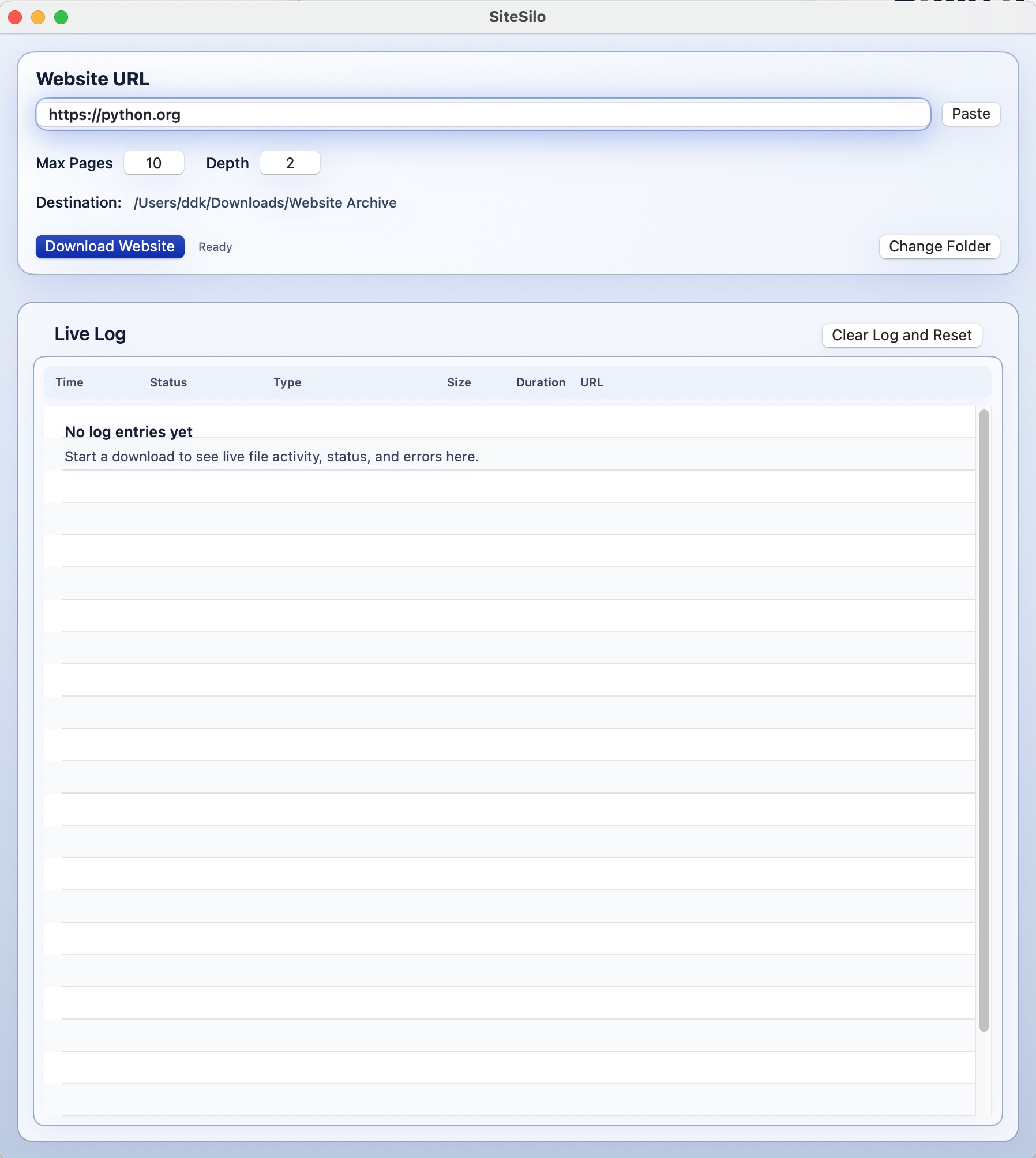
Simple setupEnter the website address, choose the destination folder, and start with sensible defaults.
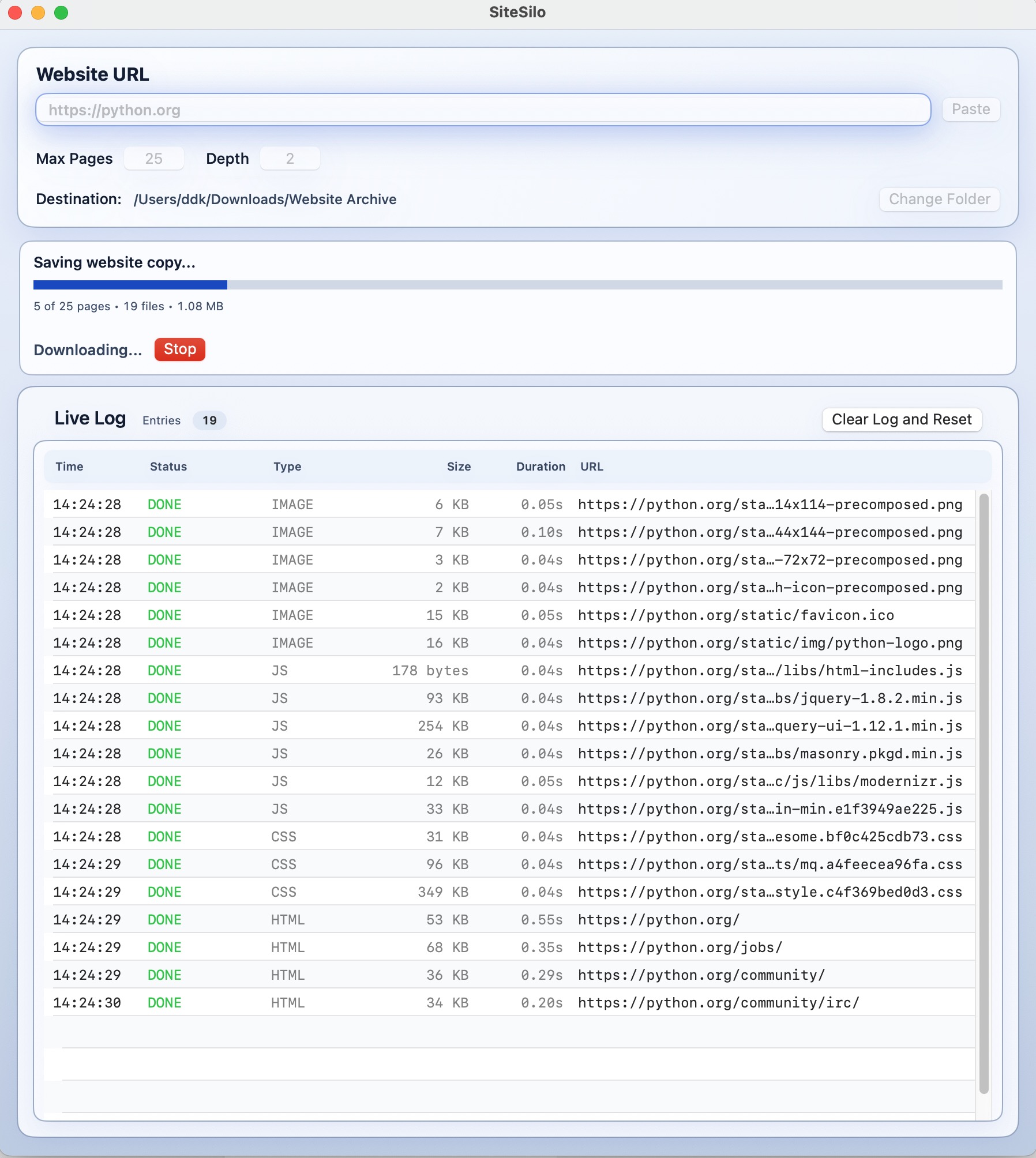
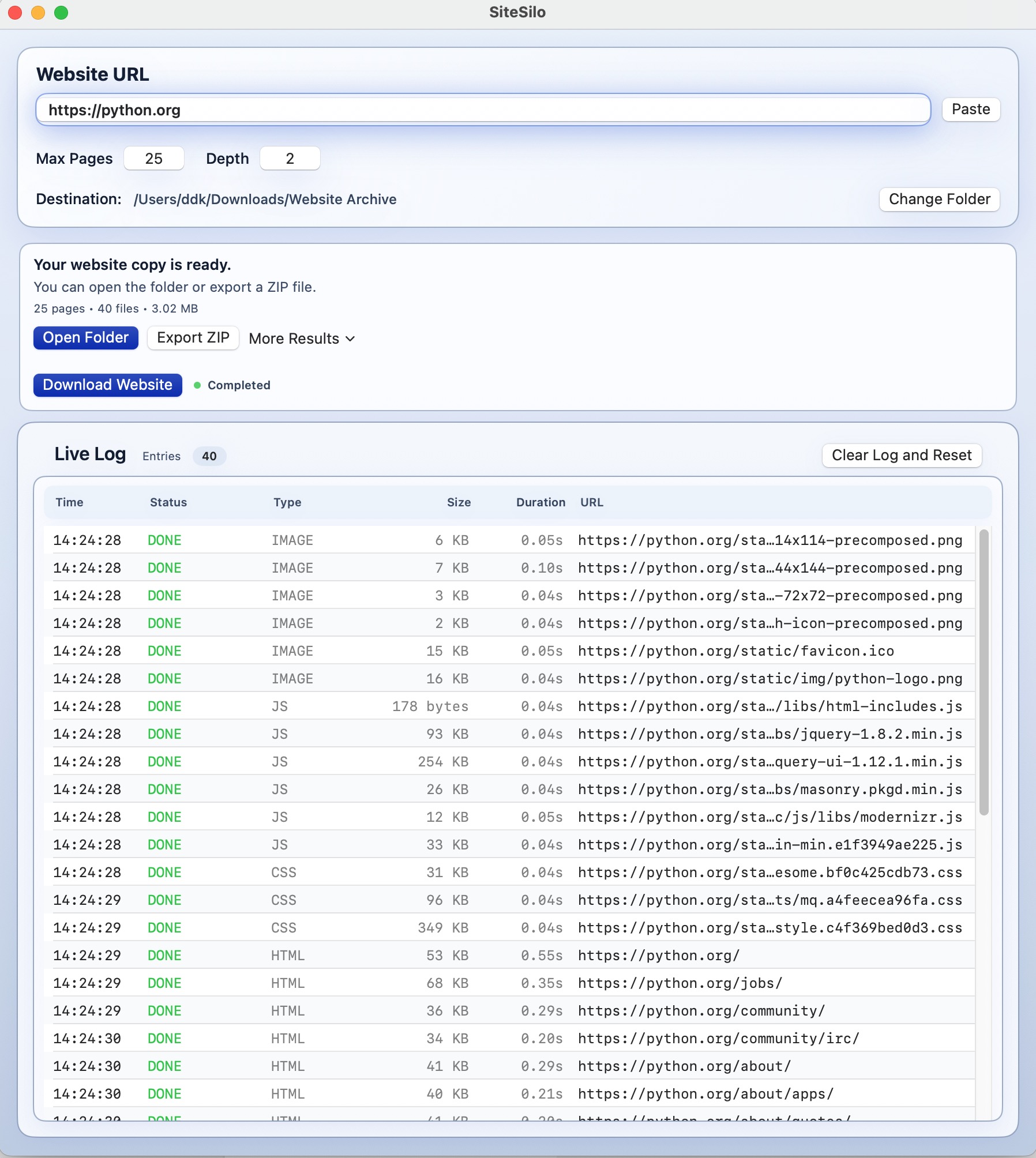
Visible progressWatch the download develop with counts, status changes, and a live log that keeps you informed.
Clean finishOpen the folder, copy the report, export a ZIP, or retry failed items when the download finishes.
What SiteSilo does
- Creates your own backup of a website on your Mac
- Lets you keep a browsable copy in case the original site changes or disappears
- Shows live progress so you can see what is happening while the download continues
- Helps you recover cleanly by retrying failed items instead of starting over
- Makes it easy to keep, review, and export your saved copy later
How to use SiteSilo
- Enter the website you want to save.
- Choose the folder where you want your copy stored.
- Click Download Website to start the save.
- Watch the Live Log and Run Status while SiteSilo builds your offline copy.
SiteSilo FAQ
Q: What kinds of websites work best?
A: SiteSilo works best with standard websites that do not depend heavily on advanced browser-only app behavior.
Q: Where are downloaded files saved?
A: You choose the destination folder before the download starts.
Q: Can I retry failed items?
A: Yes. SiteSilo includes retry and reporting tools to help you finish a download cleanly.
Q: Do I need an account?
A: No account is required to use the app.
Screenshots
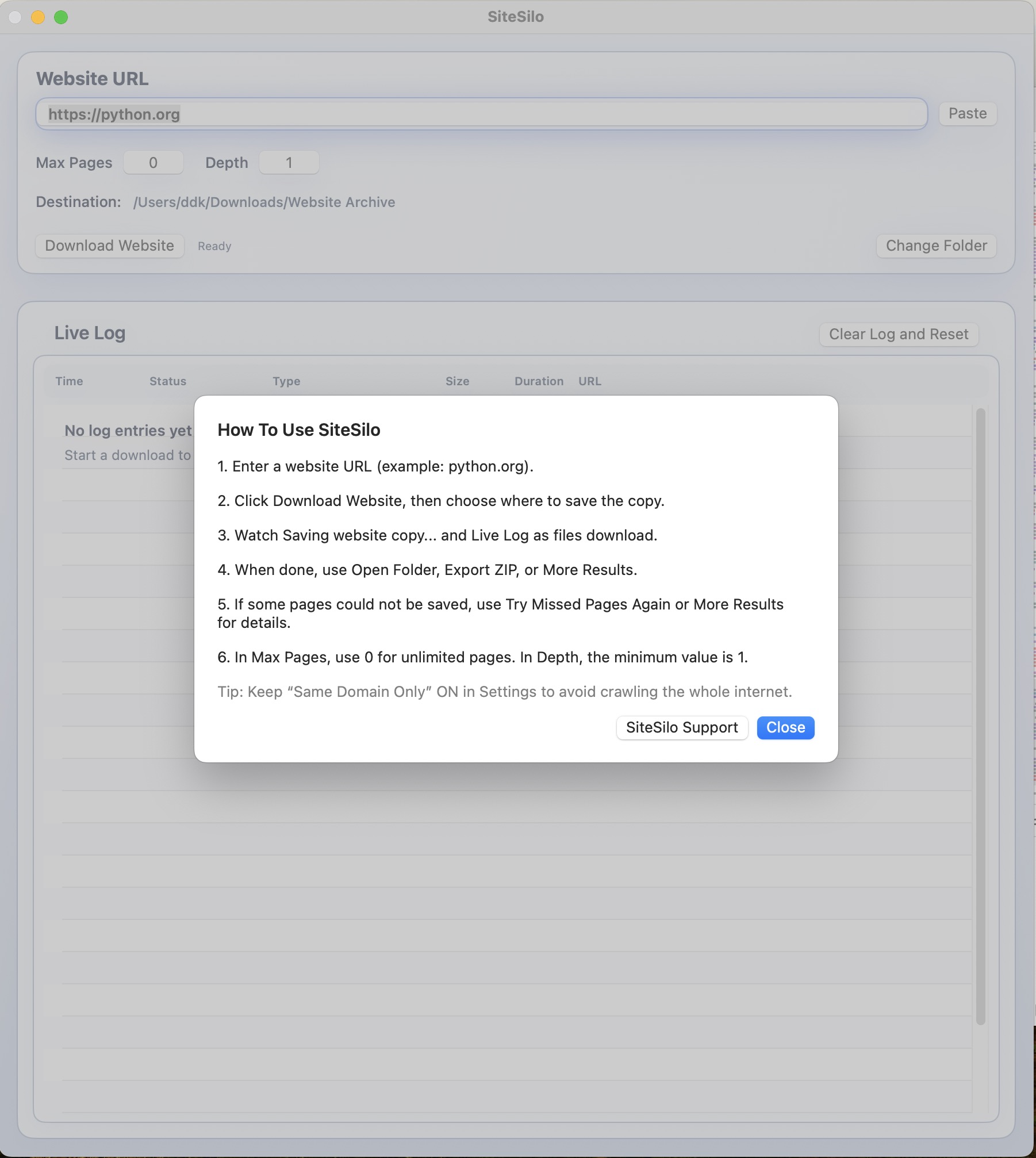
Before You Start
During a Download
After a Download
Help Screen
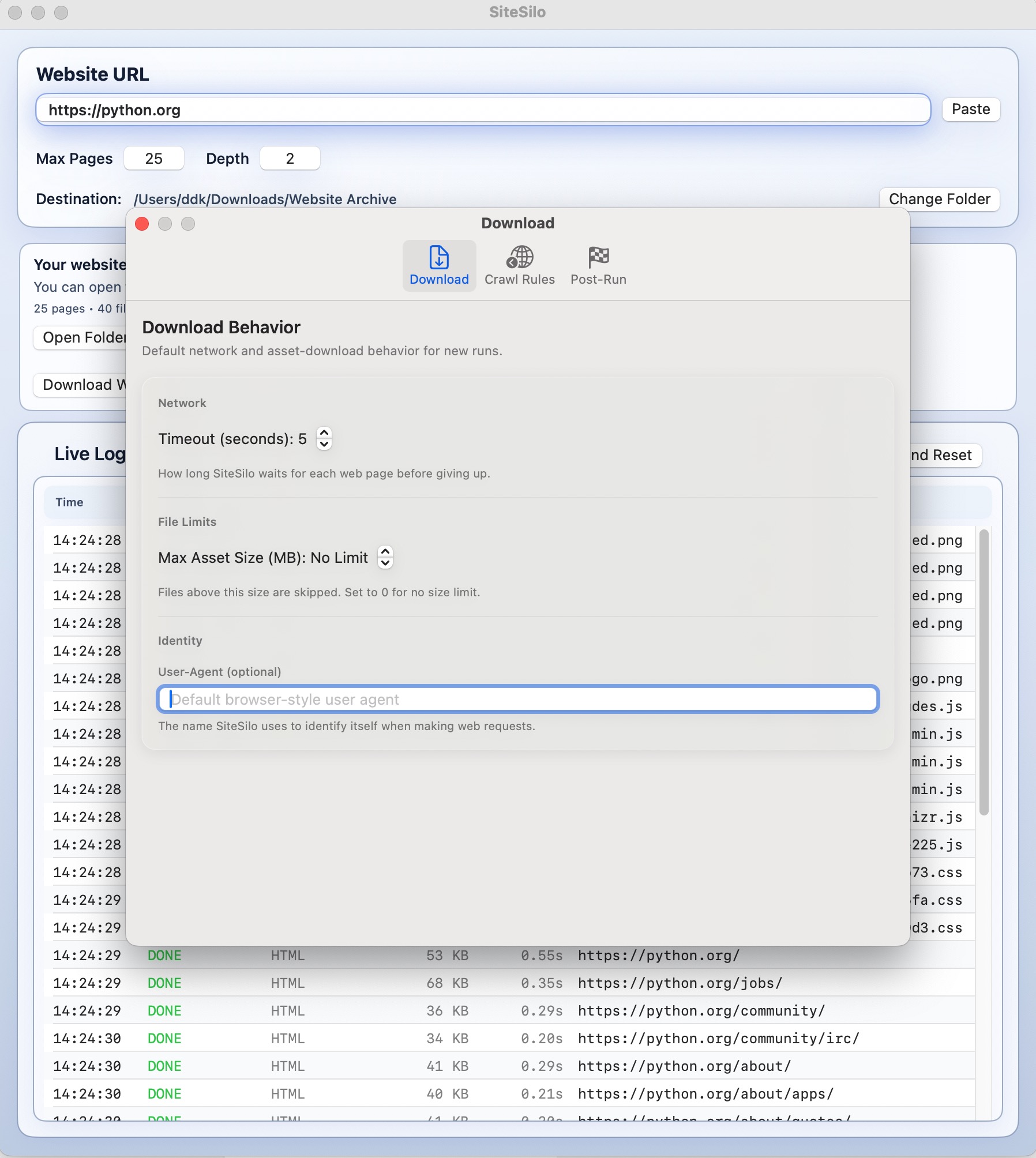
Settings: Download tab
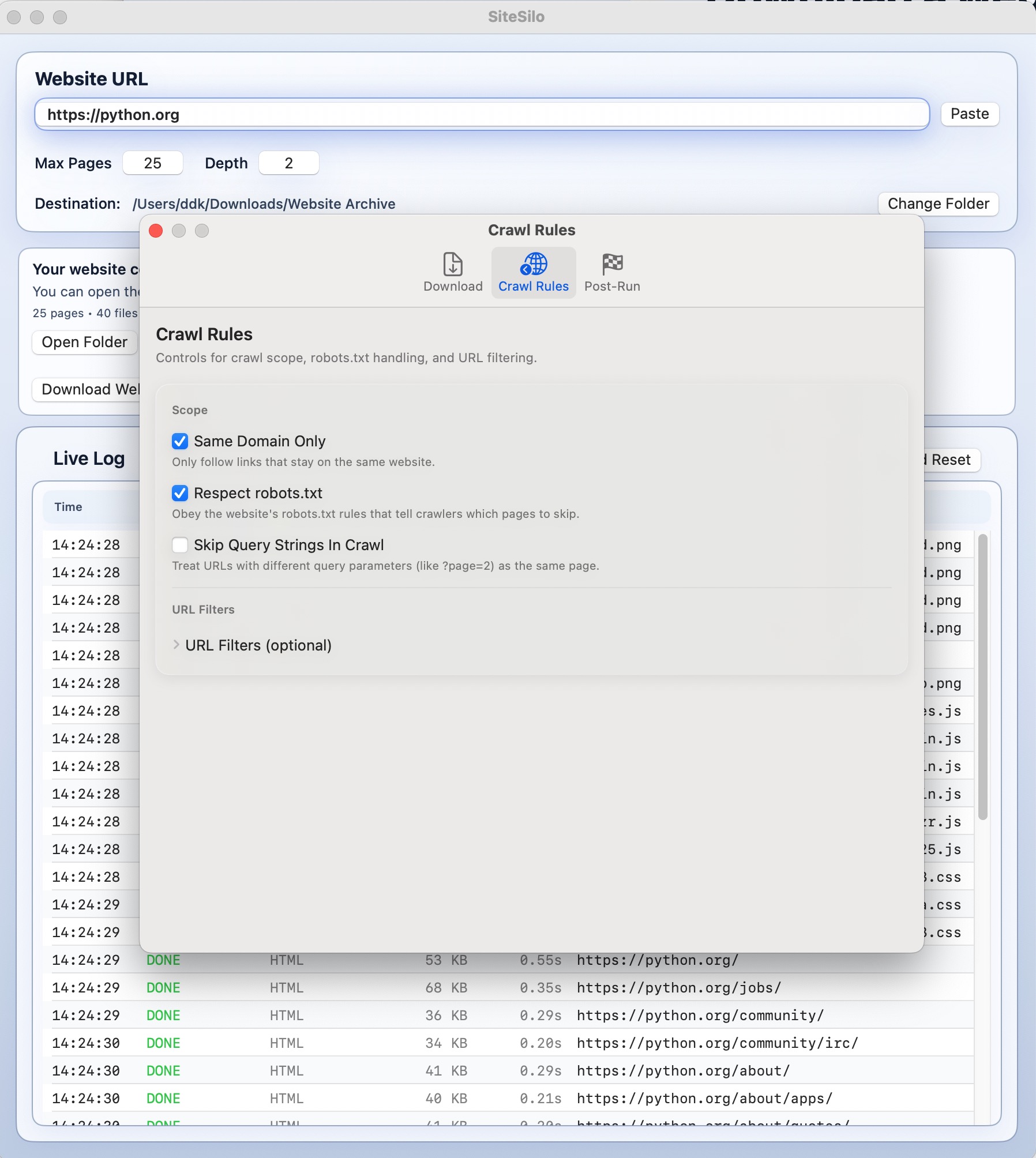
Settings: Crawl Rules tab
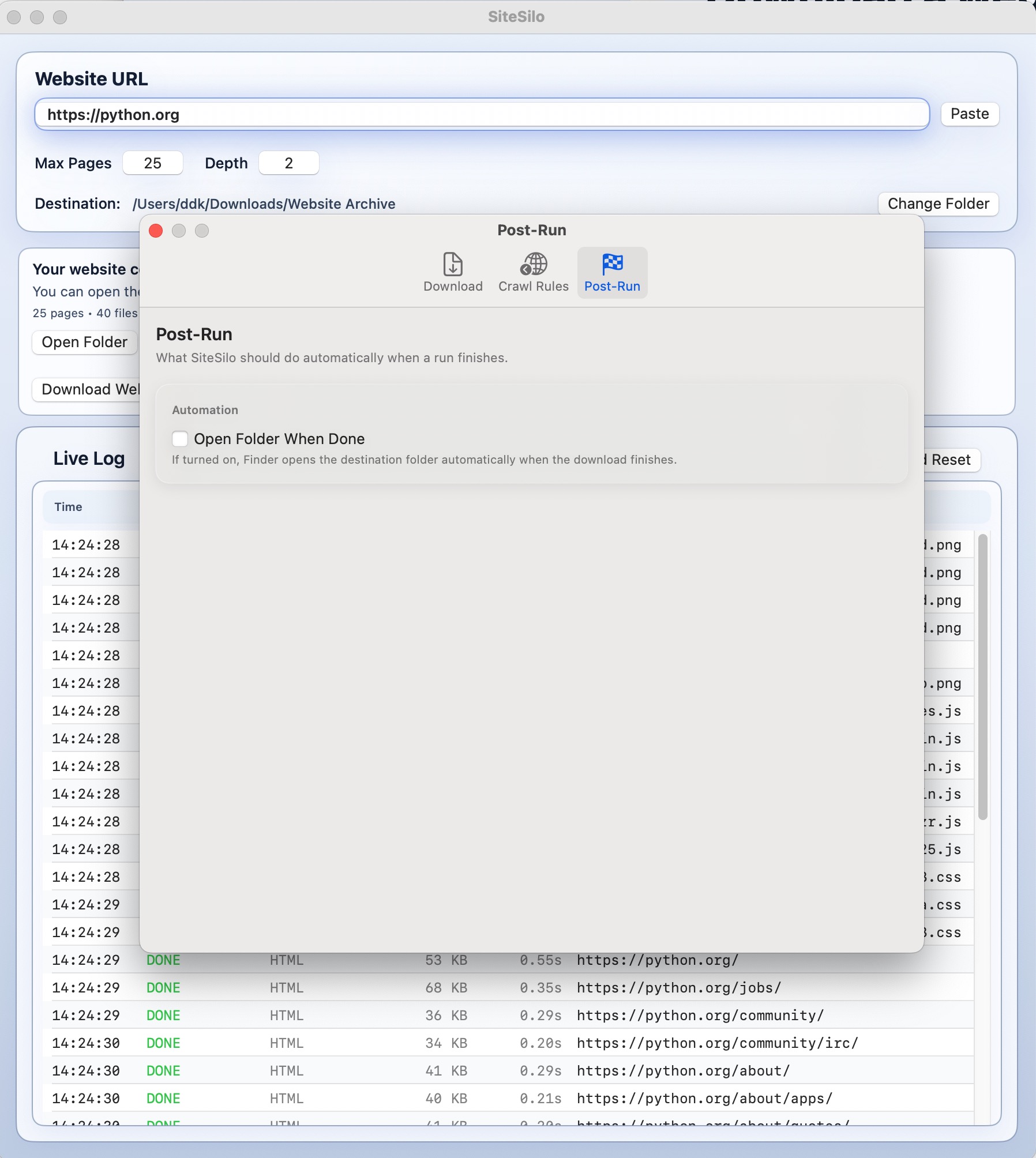
Settings: Post-Run tab